Photography Updates
Posted on November 23, 2023
| 3 minutes
| 471 words
There are two photography related updates I wanted to share:
I’m deleting my 500px account. Drobo is no more. Goodbye 500px I’ve decided to close my 500px account. I’ve been a user of their site since 2012. My main goal back then was to sell prints of my work, along with some licenses. But in 2018, they were acquired by Visual China Group (VCG), and shut down that marketplace.
See 500px Wikipedia entry.
[Read More]San Diego Comic Con 2023
Posted on August 1, 2023
| 4 minutes
| 706 words
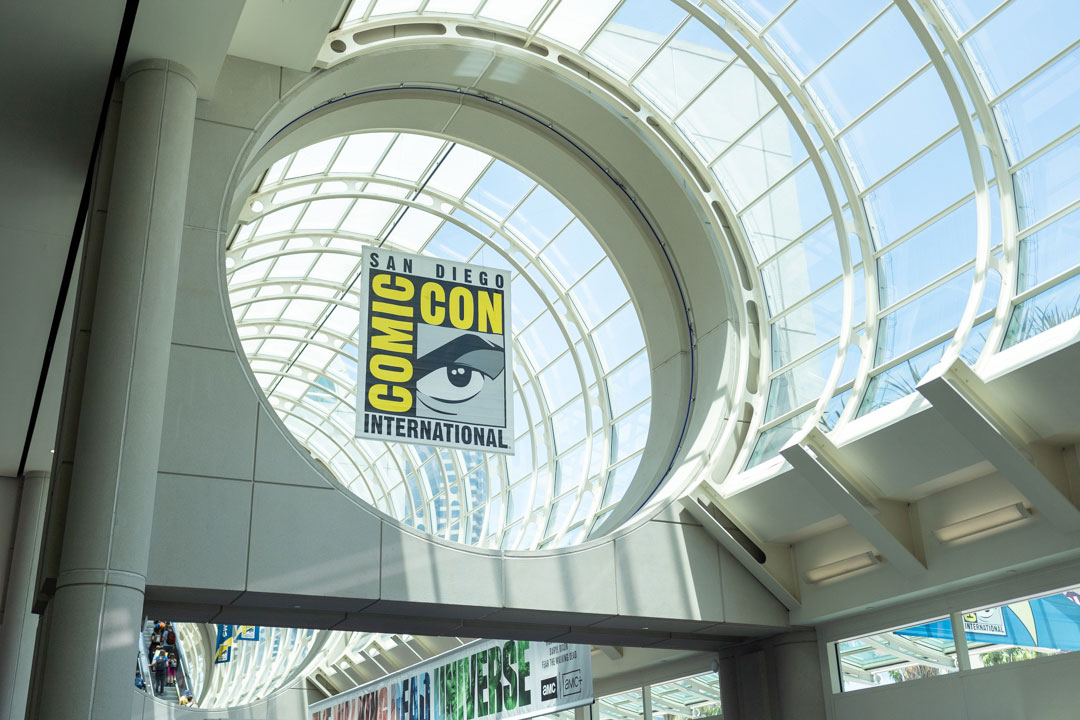
This year marks my tenth time attending San Diego Comic Con (SDCC) with friends and family. We had a big group going this year, I think fourteen total. Most of us stayed at the Embassy Suites. So it was mostly just us nerding out amongst ourselves.
The nice thing about a big group is that we can cover more ground of the exhibit hall, panels, as well as offsites before, during, and after Comic Con.
[Read More]Anime Expo 2023
Posted on July 7, 2023
| 2 minutes
| 328 words
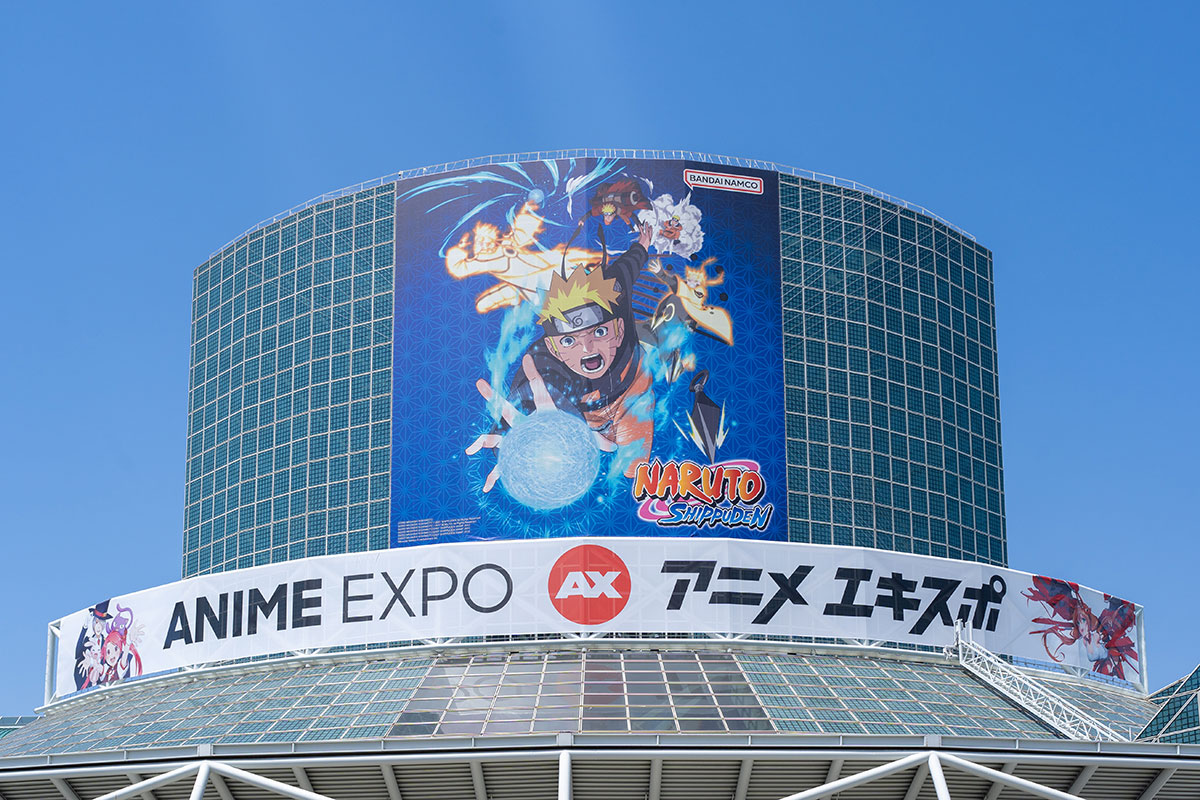
Last week I went to Anime Expo (AX) for the first time since 2018, a good five years. It does feel bigger and more crowded than before.
I only took a few photos on Saturday, day one of the four day event. I’m getting a bit older, slower, and I had my niece and nephew with me. So much of my convention going experience revolves around these two kids now. Seeing them experience things makes me happy.
[Read More]Anime Central 2023
Posted on May 22, 2023
| 2 minutes
| 421 words
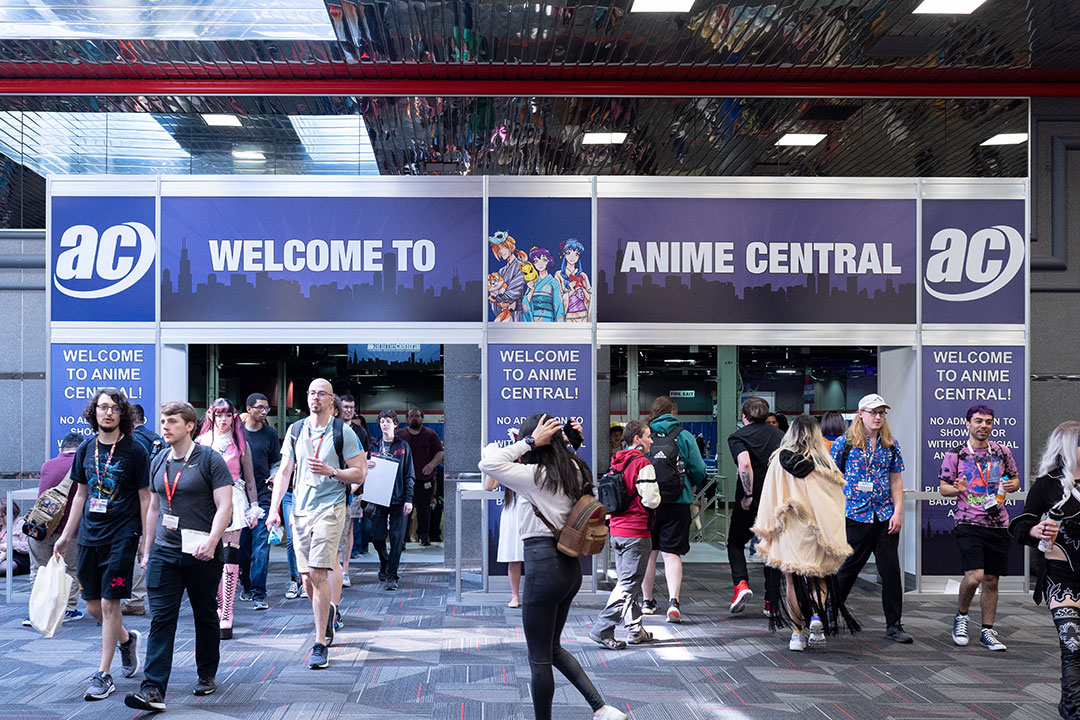
This past weekend on Saturday I went to Anime Central (ACen) up in Rosemont at the Donald E. Stephens (DES) Convention Center. The last time I went was in 2017.
I recently purchased a Sony 35mm f1.4 GM lens for my Sony A7iii mirrorless. I used this pair exclusively at ACen for all my shots. I’m getting a bit old now, and no longer want to carry too much gear on me.
[Read More]San Diego Comic Con 2022

Posted on July 31, 2022
| 5 minutes
| 1020 words
It’s been three years since my last San Diego Comic Con in 2019. Although technically, in 2019, I did have a ticket, but I only went to pick up my program book, lanyard, and bag. I never actually went into the exhibit hall. There was some family situations, both good and bad, that prevented me from attending beyond that. We even had a room over at Hard Rock Hotel where many celebrities were at!
[Read More]Discord: The Internet's Chat Room
Posted on September 2, 2021
| 6 minutes
| 1194 words
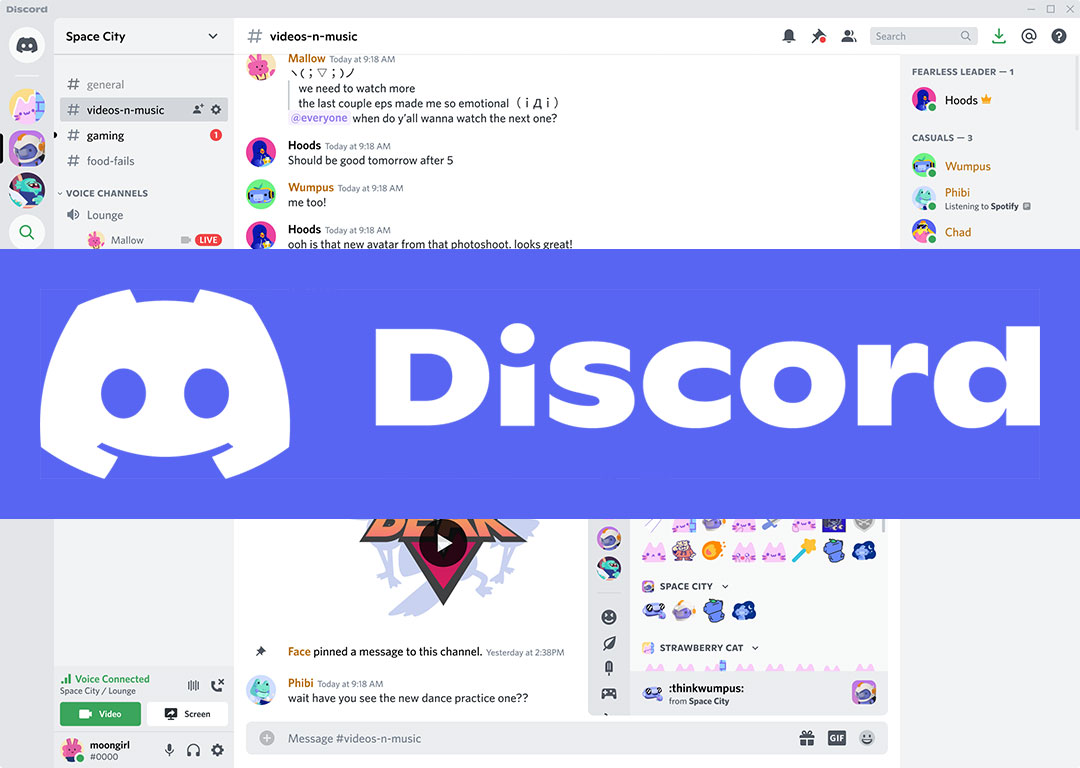
Discord is a voice, video and text communication service used by over a hundred million people to hang out and talk with their friends and communities. (Source)
I’ve been using Discord since about 2016, the very same year that Pokemon Go came out. Although I am a fan of both mobile apps, Discord has a special place on my smartphone and desktop, as I use it quite often.
Not only do I use it for community gaming for Pokemon Go, but I also use it to join financial, technology, and other various fan communities out there.
[Read More]M1 Finance: One Year Later
Posted on November 28, 2020
| 3 minutes
| 544 words
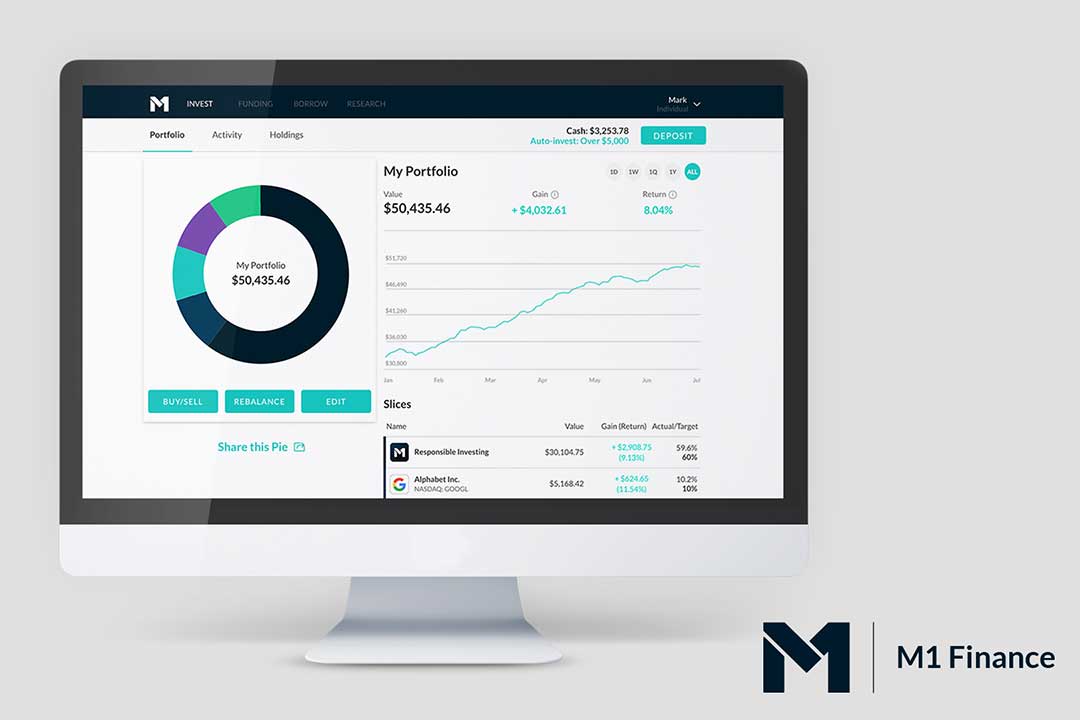
It’s been more than a year since I last posted about M1 Finance. Just wanted to give an update on my investing journey on what I’ve learned and adapted along the way.
Investing Strategy Changes The 2020 year has been a pandemic year where we had a bit of a recession in March/April. Dividends of companies got suspended as well as lost value in favor of many growth and stay-at-home stocks.
[Read More]C2E2 2020
Posted on March 5, 2020
| 6 minutes
| 1139 words
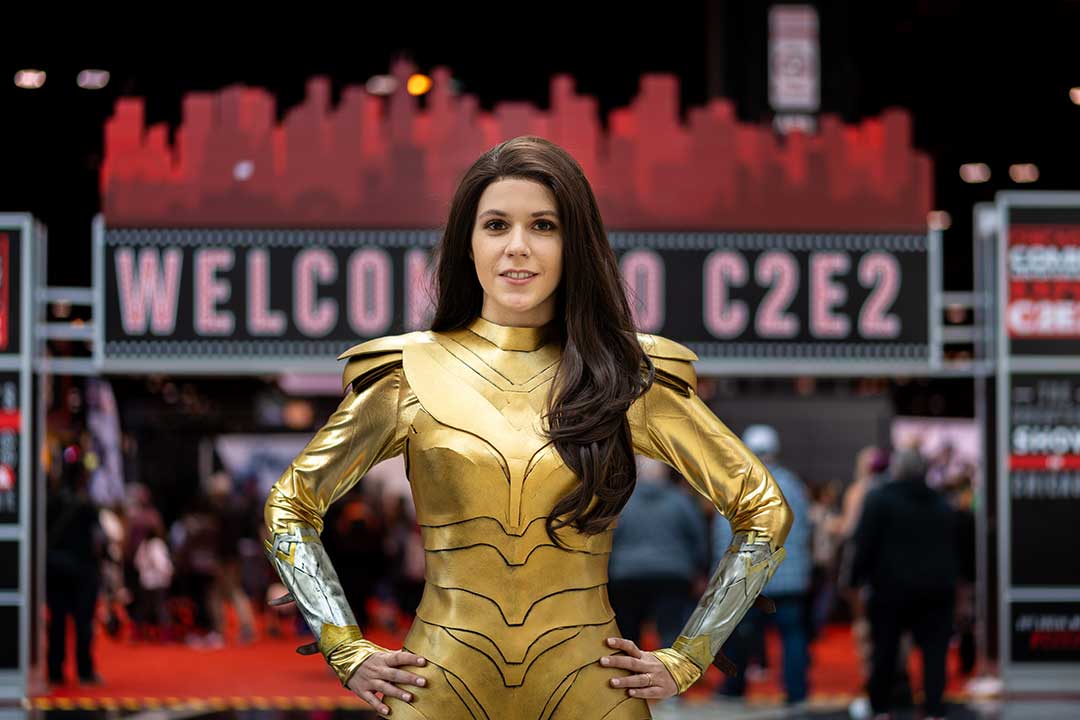
Last weekend was C2E2 in Chicago. I went all three days this year and spent most of the time in the main stage room for panels. I was barely on the show floor taking cosplayer’s photos, but I think I still got a decent amount.
The show floor seems to have expanded the autograph/photo-op area, as well as more space for cosplay and eating/chillaxing. I think it’s making great decision in creating a better experience for con goers than just a place to buy stuff.
[Read More]M1 Finance
Posted on October 17, 2019
| 8 minutes
| 1580 words
Lately I’ve been spending a lot of time reading books and watching youTube videos on investing. For years I’ve heard a lot about the Robinhood and Acorns apps, but there was nothing about them that made me want to try them out, or move away from my traditional brokerages. It’s great that they have mobile apps and free trades for young investors and beginners, but I’d rather manage my investments carefully on a desktop browser.
[Read More]Migrated Website to Hugo
Posted on September 8, 2019
| 2 minutes
| 230 words
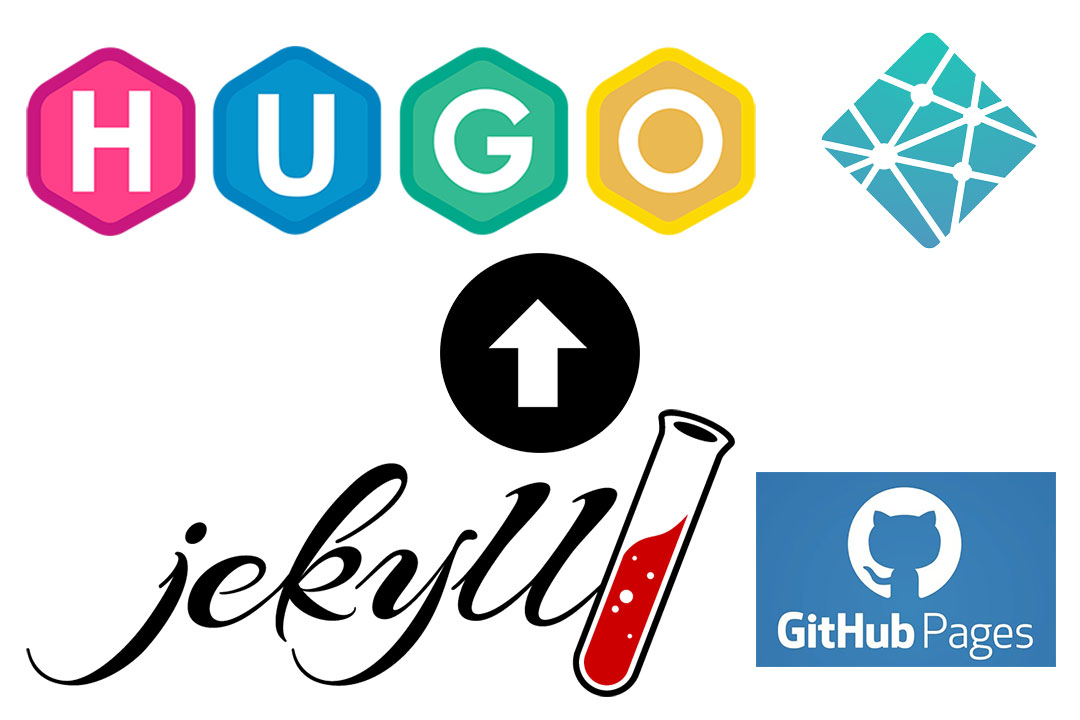
Over the past week I migrated my blog from using static site generator, Jekyll to use Hugo. I also switched hosts from Github Pages to Netlify.
The main reasons for the changes are:
Jekyll/Ruby is just too slow as a static site generator in development/production. Hugo/Go is fast. Wanted to try out Netlify. When I wrote new posts with Jekyll, it was painfully slow to build the site after any small set of changes.
[Read More]